An emergency medical information card exists for exactly one scenario: something has happened to you, and you can’t talk. A crash, a seizure, a collapse on a run. In that moment, everything a paramedic knows about you comes from what they find — and a wallet-sized card with six lines on it can redirect the entire treatment.
This guide covers what actually belongs on the card (less than you think), what to leave off, and where to carry it so it’s found. There’s a free template below — a printable PDF and an editable doc, no email required.
What Responders Actually Look For
First responders work under brutal time pressure, and they’re trained to look for medical identification: bracelets, necklaces, wallet cards, phone lock screens. What they need in the first minute is short:
- Medical conditions that change treatment — diabetes, epilepsy, heart conditions, bleeding disorders, implanted devices like pacemakers.
- Allergies with severe reactions — a penicillin anaphylaxis is critical; a childhood rash is not. Say which: “Penicillin — ANAPHYLAXIS” reads differently than a list of words.
- Current medications that interact with emergency care. Blood thinners are the classic: a person on warfarin with a head injury is a different emergency than the same injury without it. Insulin, beta-blockers, and seizure medications matter for the same reason.
- Who to call. One or two people, with relationship and phone number.
That’s the core. Blood type, organ donor status, insurance details, your physician’s name — all fine as second-tier additions, but none of them changes what happens in the first minutes, and none is worth crowding out the four items above.
What to Leave Off
The most common mistake with emergency cards is treating them as a miniature medical history. A card crammed with every diagnosis since 2009 buries the one line that matters — the reader has seconds, not minutes.
Leave off resolved conditions, minor sensitivities, routine supplements, and your full surgical history. If a condition wouldn’t change what a paramedic does in the field or what an ER does in the first hour, it belongs in your one-page medical summary, not on the card. The card is triage; the summary is context. They’re a pair, not competitors — more on that below.
Also skip: Social Security numbers and anything a thief would enjoy finding in a lost wallet. Name, birth year, medical facts, contacts — that’s all the identity the card needs.
Download the Free Template
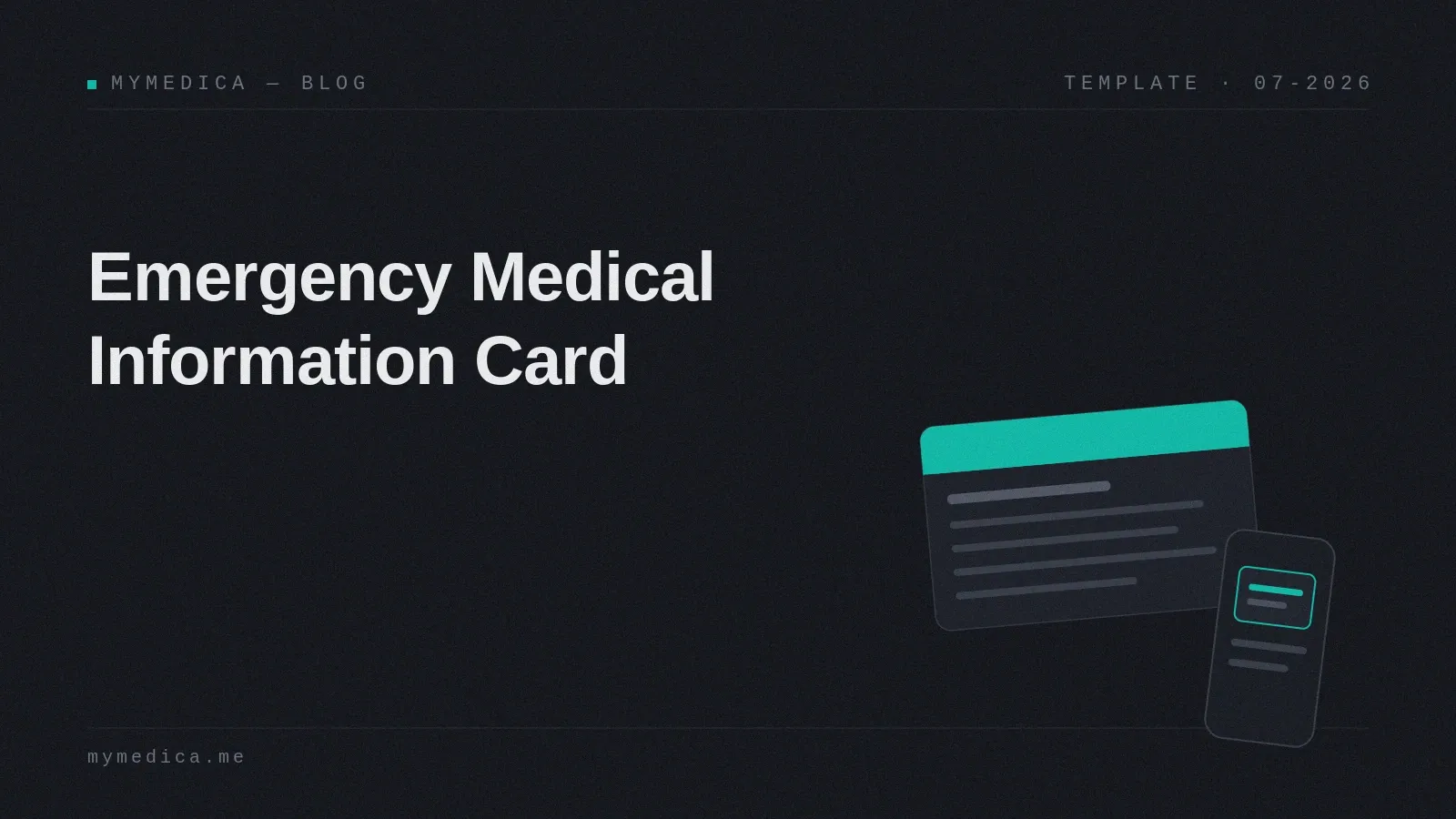
Our template is one page with two wallet-size cards (front and back): print, fill in, cut out, fold, and it’s the size of a credit card. Laminate it or use a plastic sleeve — wallets are hard on paper.
- Download the PDF — print and fill by hand.
- Download the editable doc — type your details, then print.
The fields, in the order responders scan for them: name and birth year · conditions · allergies + reaction severity · medications and doses · emergency contacts · second-tier extras (blood type, physician, insurance) on the back.
No email, no signup — same as our medical history template. Fill it in for yourself, then make one for each person you’d grab a wallet for: your kids, your parents, a parent you’re a caregiver for.
Paper Card + Phone: Do Both
The modern emergency kit has two layers, and they cover each other’s failure modes.
Your phone’s Medical ID. Both platforms show emergency info from the lock screen without a passcode — set it up in the Health app on iPhone (Medical ID) or in Safety & emergency settings on Android. Responders do check phones. But phones die, break in the same accident that put you down, or end up locked in a way the responder doesn’t crack under pressure.
The paper card works with a dead battery, survives being dropped, and lives in the wallet — the second place anyone looks. Its failure mode is being out of date, which is why the update rule below matters.
Do both. It’s fifteen minutes total, and the redundancy is the point. If you wear a medical alert bracelet for a specific condition, that’s the third layer — the bracelet says what, the card says the rest.
Keep It Current (the Two-Trigger Rule)
An outdated card is worse than no card — “no blood thinners” listed when you started one last spring is actively dangerous misinformation. But nobody re-checks a wallet card on a schedule, so tie updates to events instead:
- Any medication change — started, stopped, or dose changed.
- Any new diagnosis or procedure that a responder would need to know.
Either trigger fires → reprint the card and update the phone’s Medical ID, two minutes, same evening. If you keep your history in MyMedica, this is the same moment you upload the new document anyway — the card, the Medical ID, and your one-page summary all update from the same event.
The Card Is Step One, the Summary Is Step Two
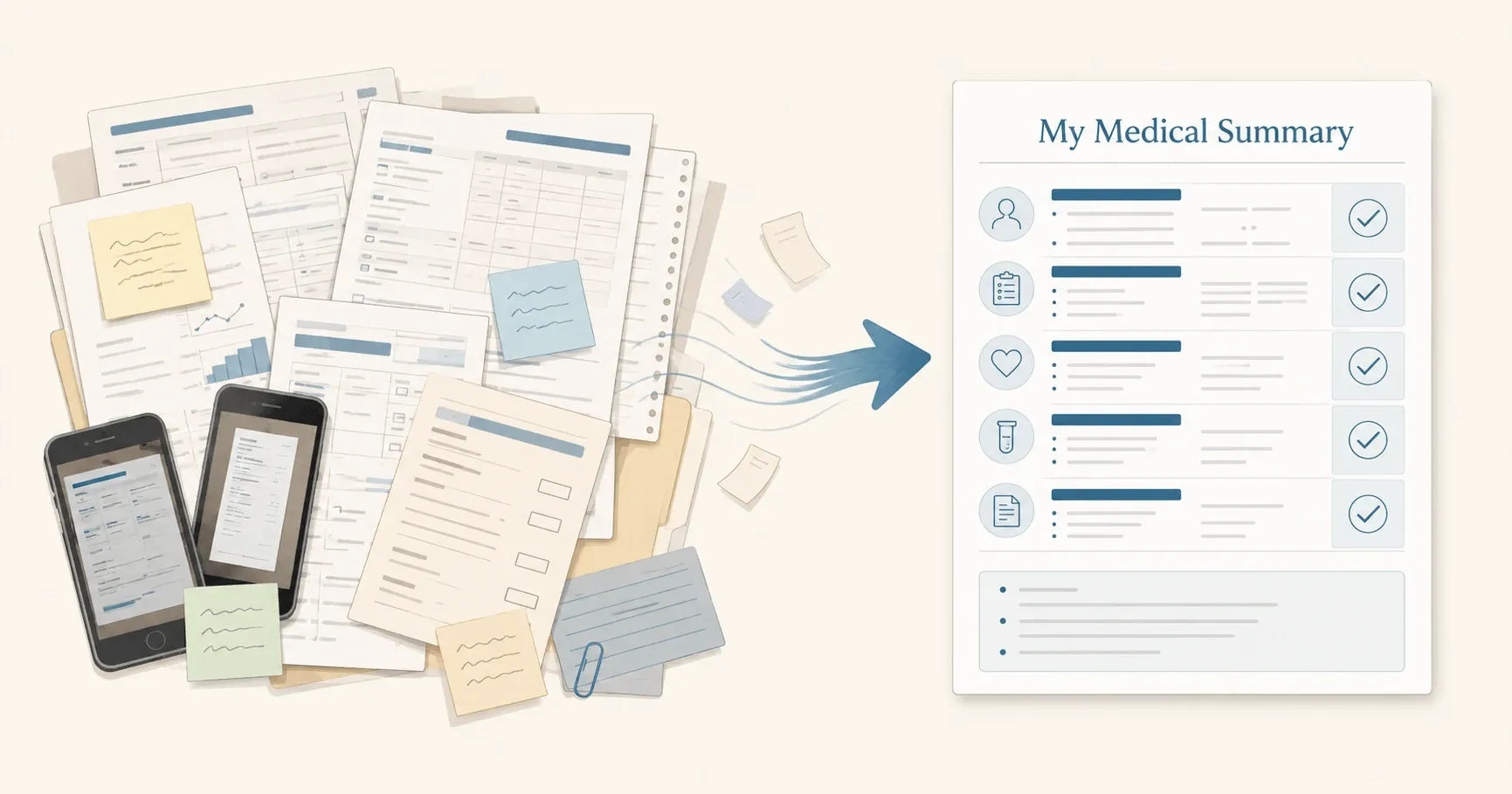
A card gets you through the first hour. After that — in the ER, at admission, when family arrives — the questions get longer: what’s the full history, what has been tried, who treats you for what. That’s the job of a one-page medical summary: the same “worst day” logic, one level deeper.
If you’re making a card today, you’re exactly the person who should make the summary next. The manual route is our step-by-step guide and free template. The automatic route is MyMedica: upload your medical documents — PDFs, scans, phone photos — and it assembles the one-page summary itself. Card in the wallet, summary in the folder: that’s the whole emergency information system, done.
Frequently Asked Questions
What should be on an emergency medical card?
Name and birth year, medical conditions that change emergency treatment, allergies with reaction severity, current medications with doses, and one or two emergency contacts. Second tier, if there’s room: blood type, physician, insurance. Short enough to read in seconds.
Where should I keep the card?
In your wallet, next to your ID — that’s where responders look after checking for medical jewelry and a phone. For kids: backpack and with the school nurse. For older parents: wallet plus a copy on the fridge, which is where EMS crews are trained to look in homes.
Do paramedics actually check for medical ID cards?
Checking for medical identification — jewelry, wallet cards, phone Medical ID — is standard practice when a patient can’t communicate. No single method is guaranteed to be seen, which is exactly why the card-plus-phone combination beats either alone.
Should I list my blood type?
It’s fine to include but it’s not critical — hospitals type your blood themselves before any transfusion rather than trusting a card. Conditions, allergies, and medications change decisions; blood type mostly doesn’t.
Is a phone Medical ID enough on its own?
It’s the single highest-value setup step, but no — dead batteries and damaged phones are common in exactly the situations where the information matters. The paper card is the backup that doesn’t need charging.
The 30-second version
One wallet-size card: name, conditions that change treatment, allergies with severity, medications with doses, two contacts. Nothing else. Print the free template, set up your phone’s Medical ID, update both on any med change or new diagnosis. Then build the next layer — a one-page summary by hand, or let MyMedica build it from your documents.
This article is for informational purposes only and isn’t medical advice. If you have a condition with specific emergency protocols, ask your doctor what belongs on your card.