“Best” depends entirely on what you’re trying to do. Some people want their lab results to appear automatically from their hospital. Some have a drawer of paper and phone photos they need to digitize. Some want to walk into a new doctor’s office with a clean one-page history. These are different jobs, and no single app is best at all of them.
I build one of the tools on this list, so treat that as disclosed bias — but the goal here is an honest map, not a sales pitch. Below, the apps are grouped by the job they actually do well, so you can skip straight to yours.
First, decide which job you have
Before comparing apps, name the problem:
- “I want my records to show up on their own.” You mostly see doctors at large US health systems and want results, medications, and visit notes pulled in automatically. → Portal and aggregator apps.
- “I have a pile of documents to store.” Your history lives in PDFs, scans, and camera-roll photos, and you want one organized, searchable vault. → Document lockers.
- “I want to manage a condition day to day.” You’re tracking symptoms, doses, and reminders for something ongoing. → Health trackers.
- “I need a summary a doctor can actually read.” You want your scattered history turned into a one-page brief for a new doctor or specialist. → Summary tools.
Most people need two of these, not one. Here’s what fits each.
Portal & aggregator apps (records pulled in automatically)
Apple Health Records — best free option on iPhone
Apple’s Health app can download and aggregate your records from participating US health systems using the FHIR standard — lab results, medications, immunizations, visit summaries, all in one place, free. If your providers are on the list of supported institutions, this is the easiest way to see your data without lifting a finger.
The catches: it only works with participating organizations, it’s iPhone-only, and it shows what your providers have entered electronically — it does nothing with a random PDF, a scanned discharge summary, or a photo of a prescription.
Android equivalent: there’s no built-in Google version, but CommonHealth (from the Commons Project Foundation) does the same job and now connects to 230+ US health systems.
Best for: people whose care is concentrated at big, connected US systems.
Epic MyChart — best if your provider runs Epic
MyChart is the patient portal for any provider using Epic’s system, and it’s excellent at what it does: results, medications, secure messaging, scheduling, refills, bill pay — free. It can also pull data in from Apple Health.
The limitation is structural: MyChart only shows one health system’s data. If you see doctors across different systems — as most people with any real history do — you end up with several separate portals and no single picture. It’s a great window into one provider, not a universal record.
Best for: patients who get most of their care at a single Epic-based system.
OneRecord — best free cross-provider aggregator
OneRecord uses the same FHIR interoperability standard to pull records from multiple providers into one dashboard, aiming to solve the “several portals” problem. If your goal is to consolidate digital records across health systems without paying, it’s worth a look.
Like the others, it’s bounded by what’s available electronically — it aggregates data providers expose digitally, not your paper or photos.
Best for: people juggling multiple providers who want a single free dashboard.
PicnicHealth — best if you want someone else to do the collecting
PicnicHealth is the concierge option. You tell them your providers and they retrieve your records nationwide — including from smaller offices that aren’t digitally connected — and build a searchable timeline for you. That “we’ll chase down the records” service is genuinely useful for complex histories.
It’s also the most expensive: $499/year, or free if you enroll in one of their research studies (your de-identified data supports medical research in that model — fine for many people, worth knowing upfront).
Best for: complex histories where hunting down records across many offices is the real pain, and the price or research trade-off is acceptable.
Document lockers (store & organize documents yourself)
Capzule — best manual vault for documents and family
If your problem is a pile of documents rather than portal access, Capzule is a solid digital locker: scan and store lab results, prescriptions, vaccinations, and allergies, manage profiles for the whole family, search across everything, and share with a doctor via a link or QR code. Free basic plan; Plus is about $4.99/month, Family $9.99/month.
The honest trade-off with any locker: you do the organizing. It holds and sorts what you put in — it doesn’t read your documents or turn them into a physician-ready narrative.
Best for: people who want a tidy, self-managed vault and don’t mind filing things themselves.
Health trackers (manage a condition day to day)
CareClinic — best for ongoing condition management
CareClinic is less a records vault and more a daily health companion: track symptoms, blood pressure, glucose, and weight, set medication reminders, and connect it all to a care plan. It can sync from portal systems like MyChart, but its center of gravity is ongoing tracking, not archiving your history.
Best for: actively managing a chronic condition day to day, where reminders and trends matter more than document storage.
Summary tools (produce a doctor-ready page)
MyMedica — best for turning scattered records into a one-page summary
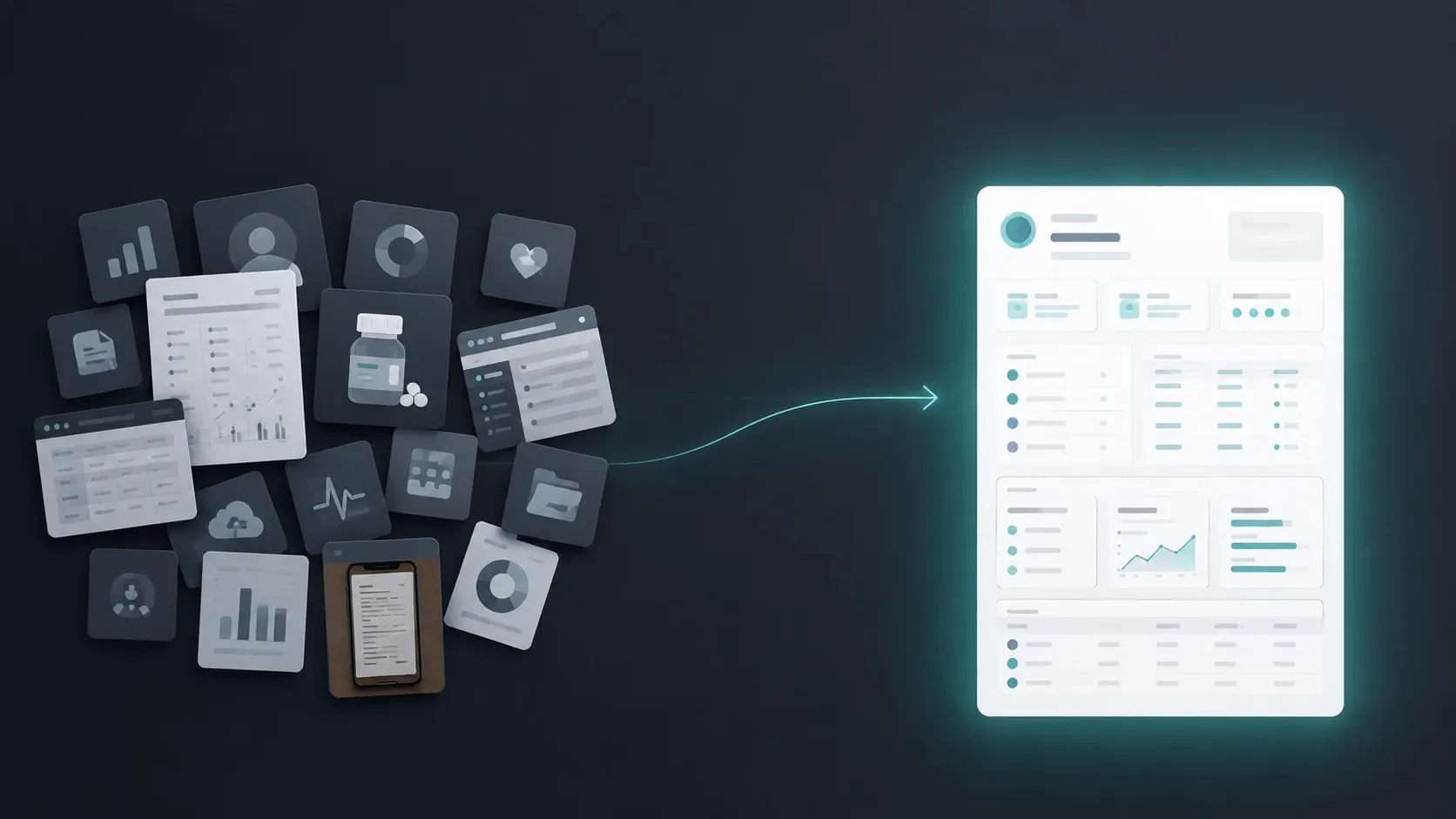
This is the tool I build, so here’s the honest placement. MyMedica isn’t a portal aggregator and it isn’t a daily tracker. It does one specific job: you upload your documents — PDFs, scans, phone photos, whatever you have — and it assembles a one-page summary a doctor can read in about 30 seconds: reason for visit, active conditions, medications, allergies, surgeries, family history, in the order physicians expect.
It’s the right tool when your history is scattered across formats and the moment that matters is a new doctor or specialist appointment. It’s the wrong tool if all you want is automatic portal sync (use Apple Health) or day-to-day symptom tracking (use CareClinic).
Many people pair it with a portal app: let Apple Health or MyChart collect the raw data, then use MyMedica to turn it into the page you actually hand to a doctor. If you’d rather build that page by hand, our guide to summarizing your medical history walks through it, and the free medical history template gives you the blank structure.
Best for: anyone who needs a clean, doctor-ready summary out of a messy pile of documents.
Quick comparison
| App | Job | Platform | Price | Best when |
|---|---|---|---|---|
| Apple Health Records | Auto-pull records | iPhone | Free | Your providers are connected US systems |
| CommonHealth | Auto-pull records | Android | Free | Android alternative to Apple Health |
| Epic MyChart | Provider portal | iOS/Android/web | Free | Most care at one Epic system |
| OneRecord | Cross-provider aggregator | iOS/Android/web | Free | Consolidating multiple portals |
| PicnicHealth | Concierge collection | iOS/Android/web | $499/yr or free w/ research | You want records hunted down for you |
| Capzule | Document locker | iOS | Free / ~$4.99+/mo | Self-managed vault for documents & family |
| CareClinic | Daily tracking | iOS/Android/web | Free / paid tiers | Managing a chronic condition day to day |
| MyMedica | One-page summary | Web | Free to try | Turning scattered records into a doctor-ready page |
Prices and platform support current as of July 2026; check each app for the latest.
How to choose in one minute
Ask what happens right after you install it. If you want data to appear automatically and your providers are connected, start free with Apple Health Records (or CommonHealth on Android), or MyChart if your care is at one Epic system. If you’d pay to have records collected for you, PicnicHealth. If you have a pile of documents to file yourself, Capzule. If you’re tracking a condition daily, CareClinic. And if the goal is a summary a new doctor can actually read, MyMedica.
There’s no rule that says you pick one. The common, sensible setup is a portal app to gather the raw data and a summary tool to make it usable at the appointment.
Frequently Asked Questions
What's the difference between a patient portal and a personal health record app?
A patient portal (like MyChart) belongs to a specific provider and shows that provider’s data. A personal health record (PHR) app belongs to you and is meant to hold your full history across providers. Portals are windows into one system; PHR apps try to be the whole picture.
Is there one app that has all my records automatically?
Not really — because your records live in many systems that don’t all talk to each other. Aggregators (Apple Health, OneRecord) and concierge services (PicnicHealth) get you closest, but each is bounded by what providers expose digitally or by what the service can retrieve.
Are these apps safe and private?
The major ones use encryption and require your explicit consent to share data. The models differ, though — a research-funded service uses your de-identified data differently than a paid vault. Read the privacy policy for how your data is used, not just how it’s stored.
What if my records are on paper or in phone photos?
Portals and aggregators can’t help with those — they only handle electronic data from providers. For paper and photos, you need a document locker (to store them) or a summary tool like MyMedica (to turn them into a usable page).
Do I have to pay for a good medical records app?
No. Apple Health Records, CommonHealth, MyChart, and OneRecord are free, and several tools offer free tiers. Paid options mostly buy you either concierge record collection (PicnicHealth) or advanced storage and family features (Capzule).
The 30-second version
Pick by the job, not the brand. Free automatic sync from connected US providers → Apple Health Records (iPhone) or CommonHealth (Android); one Epic system → MyChart; consolidate several portals → OneRecord; pay to have records collected for you → PicnicHealth; self-managed document vault → Capzule; daily condition tracking → CareClinic; a one-page summary a doctor can read in 30 seconds → MyMedica. Most people pair a portal app with a summary tool.
This article is for informational purposes only and isn’t medical advice. App details and prices change — verify current features and privacy terms with each provider before deciding.